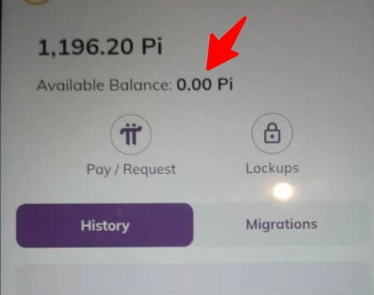
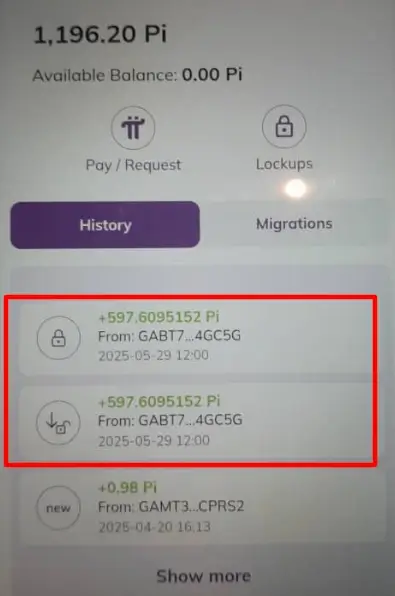
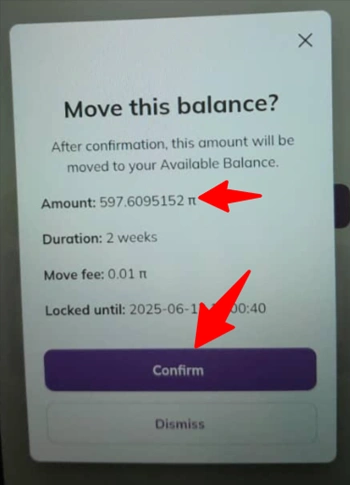
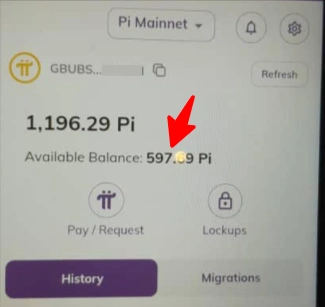
The default Pi balance from the Pi team is 0.0.
However, in some cases, if your wallet balance is 0.01 Pi, it means the wallet has been migrated and is ready to be moved to the available balance without needing the additional move fee of 0.01 Pi.
In this guide, you’ll see all the steps to complete this process. Let’s get started!
The zero Pi balance is the default setting by the Pi Core Team. This means that all Pi wallets start with a zero balance until they are funded by another migrated wallet.
Now, to get your Pi moved, you need to he “funded by another migrated wallet,” we mean that you cannot receive Pi from a non-migrated wallet. Only wallets that have completed the migration process are eligible to send Pi.
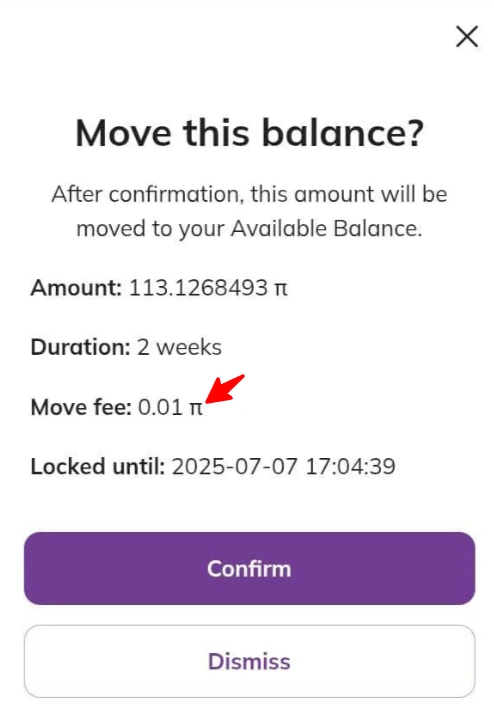
The Pi Move Fee is a transfer fee charged when transferring Pi to the available balance. The fee is fixed at 0.01 Pi.
To move Pi to your available balance:
✅ You need to pass Pi profile KYC verification
✅ Your Pi must be migrated to your wallet from the Pi app.
✅ Your Pi must be unlocked and ready to receive Pi from another Pi account.
Kindly ensure that your wallet is migrated to the mainnet wallet from your App.
Now, if you have up to 0.01 Pi in your Pi balance, that means you can move it. However, if your wallet is like the one shown below, then you need it.
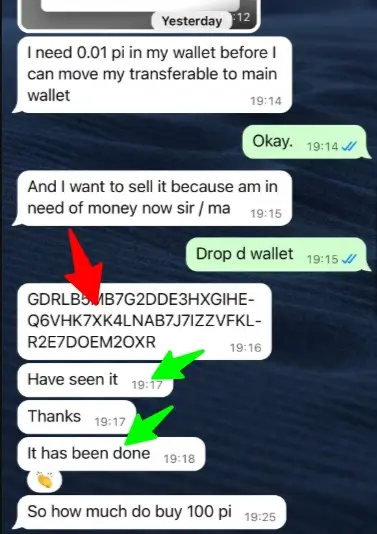
Note: we only send you the 0.01 fee FOR FREE – when you are ready to sell your Pi. Thanks for understanding and your support.
Go ahead and copy and paste your wallet address so we can fund it.
With the 0.01 pi fee transferred to you, let’s now see how to move it.
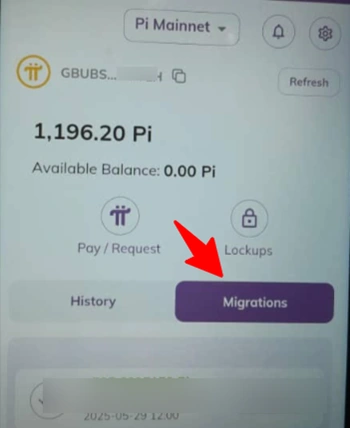
Check your Pi dashboard and click on “migration”.
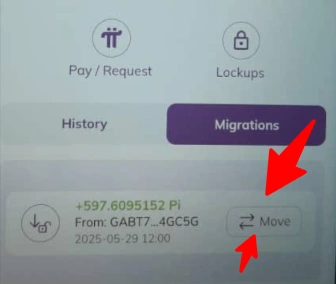
Click on move to transfer it.
Select “confirm” to move it.
Check the available balance to see that it has been moved.
That is how to transfer your mined Pi coins to your available balance. Simple, right? 😉
Having moved Pi to your available balance now, the next step is how to convert Pi coins to cash?
Learn how to start selling your Pi coins online for cash at fnfSwap without getting scammed.
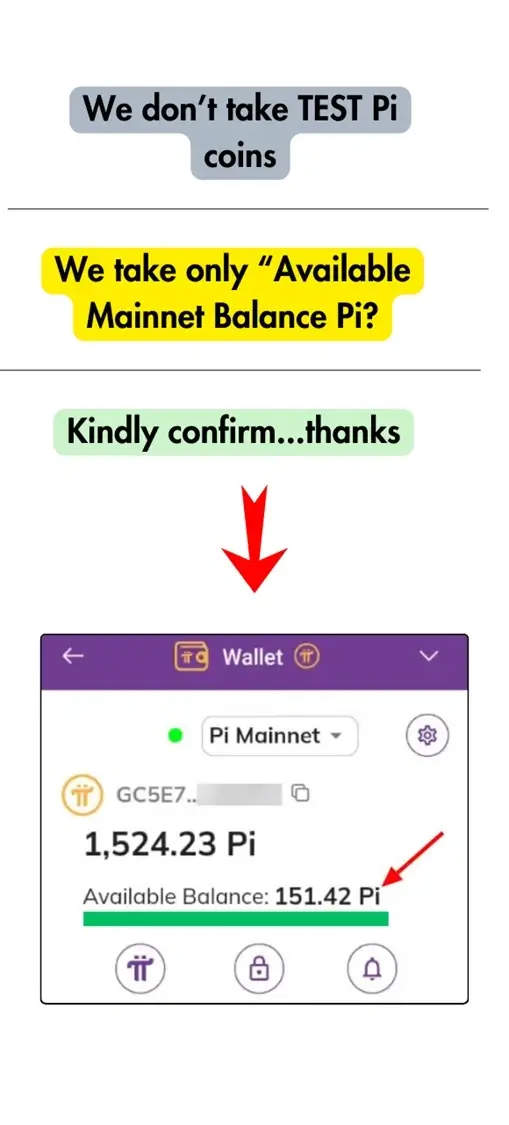
Kindly confirm that your Pi is migrated and available in the mainnet balance; otherwise, you cannot sell for cash. Also, we do not take TEST NET or TEST Pi.
![How to Transfer your Mined Pi Coins to Available Balance [+Free Pi Move Fee] steps to sell Pi](https://fnfswap.com.ng/wp-content/uploads/2025/01/steps-to-sell-Pi.webp)
After confirming that your Pi coins are in the available mainnet balance, check out our exchange rates – which are determined per time by the prevailing market rates.
If you are satisfied with it, proceed to Step 3.
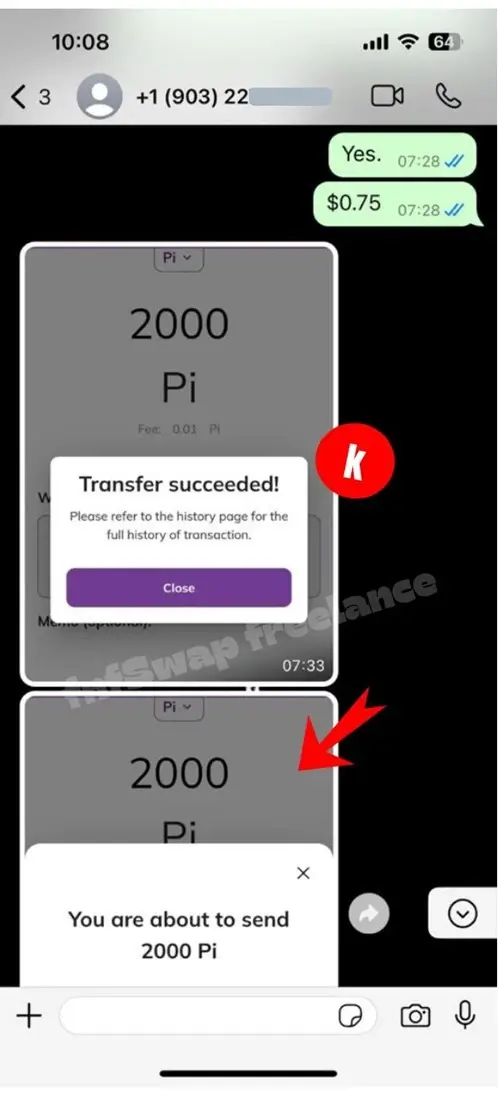
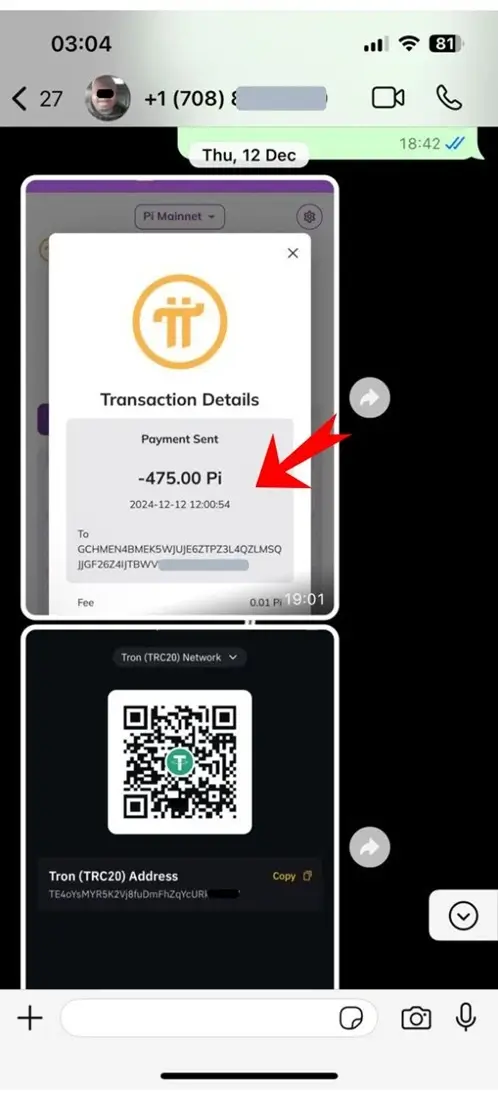
Go ahead and process the transaction by sending the Pi to us. Login >> Go to Pay and Request >> Go to Manually Add Wallet Address >> Enter Amount and Wallet Address >> Click Confirm >> Send it. That’s all.
![How to Transfer your Mined Pi Coins to Available Balance [+Free Pi Move Fee] how to sell pi network coin](https://fnfswap.com.ng/wp-content/uploads/2025/01/how-to-sell-pi-network-coin.webp)
Kindly screenshot the transaction and send us the proof of payment. Then drop your bank details (if you’re Nigerian) or your USDT wallet address (if you are non-Nigerian).
![How to Transfer your Mined Pi Coins to Available Balance [+Free Pi Move Fee] sell pi network coin in us](https://fnfswap.com.ng/wp-content/uploads/2025/01/sell-pi-network-coin-in-us.webp)
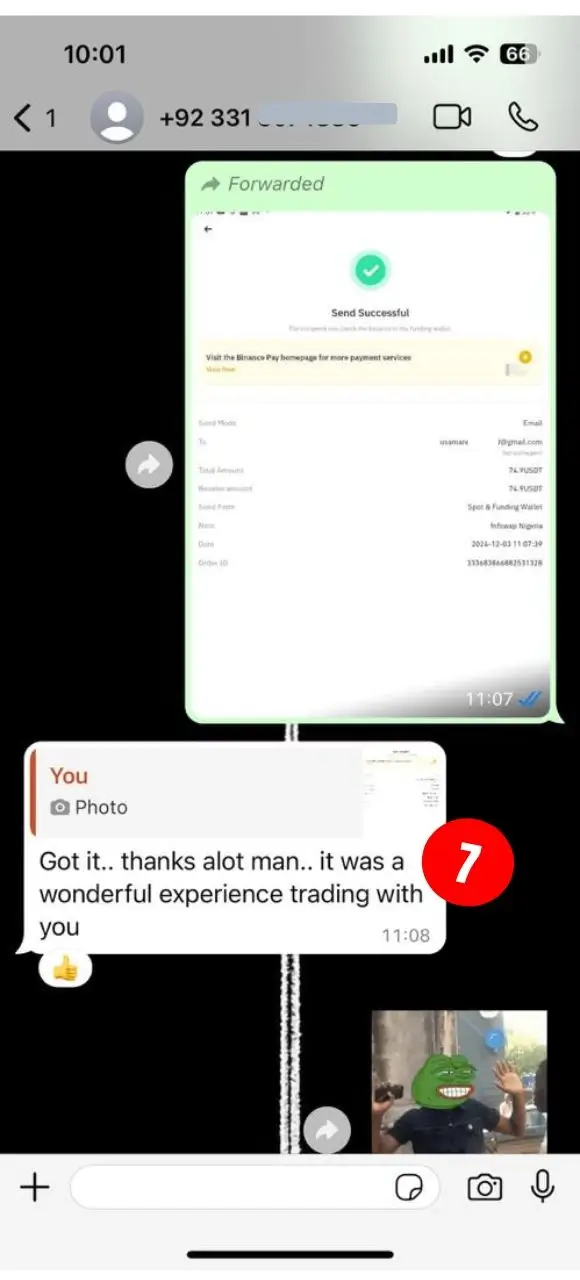
You will get paid in less than 5 to 20 minutes. After confirming the payment, kindly leave a review of how we served you. That’s all.
![How to Transfer your Mined Pi Coins to Available Balance [+Free Pi Move Fee] how to sell pi in pakistan urdu](https://fnfswap.com.ng/wp-content/uploads/2025/01/how-to-sell-pi-in-pakistan-urdu.webp)
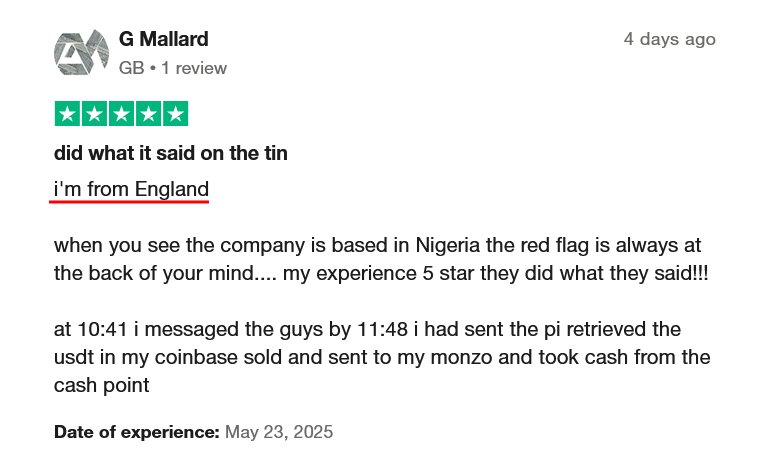
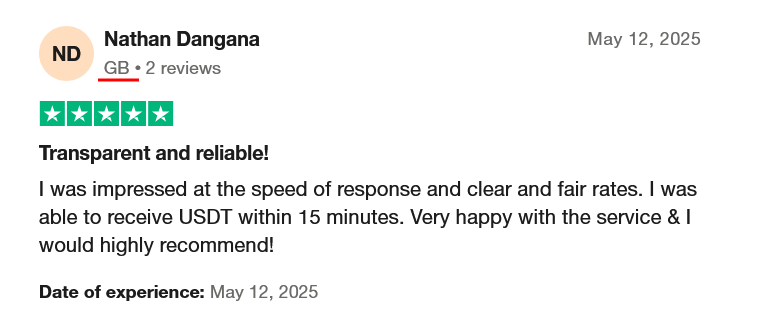
Note: We don’t buy reviews; therefore, we want you to express how you feel about our service. Thank you.
⮞⮞ Click here to sell Pi for Naira | Other Recorded Pi to USDT Transactions
No, you cannot move locked Pi to Available Balance. All you need to do is wait for the locked period to expire.
In the same vein, don’t fall for cheap scams from people promising to unlock your Pi. That is a lie, and they are diehard scammers.
No, you cannot move Pi without passing KYC.
Pi is a social cryptocurrency and a developer platform designed to give users greater control over their digital assets and interactions.
We can’t say if the Pi coin is legit or fake now because it is too early to tell. However, if you did not invest anything in it and can now sell it for cash, then it may not represent a scam, right?
Pi’s blockchain uses an adaptation of the Stellar Consensus Protocol (SCP)—an instantiation of the Federated Byzantine Agreement—to validate transactions. Compared to traditional blockchain mining methods like Proof-of-Work or -Stake, Pi’s protocol uniquely provides decentralized control, low latency, flexible trust, and asymptotic security at a fraction of the environmental cost.
Click on transfer/request, enter the Pi wallet and amount, confirm the transaction, and make the transfer. That is all
The first step is to make sure the Pi is on the mainnet wallet. When done, receive a Pi wallet, transfer the Pi network, and ask the receiver to confirm the same.
We can’t say if the Pi coin is legit or fake now because it is too early to tell. However, if you did not invest anything in it and can now sell it for cash, then it may not represent a scam, right?
Over To You:
Have you used any Pi vendor for transactions? If yes, let’s know your experience so far. Thank you.
Don’t just take our words for it. See below 💬