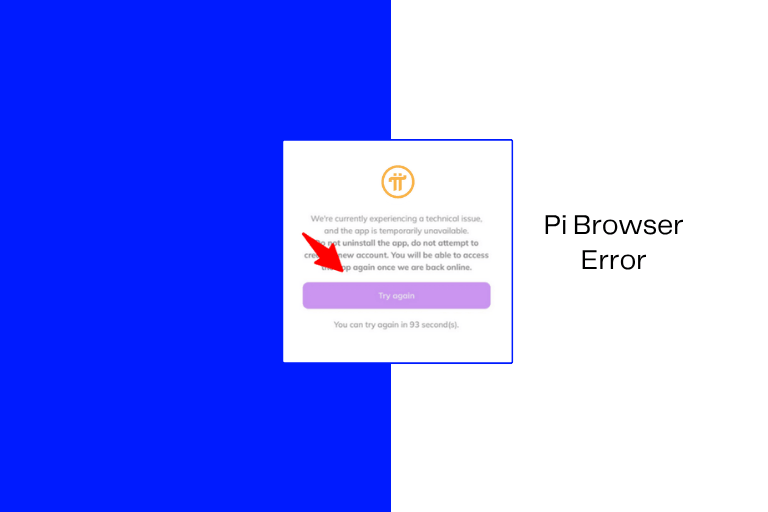
7 Reasons Why the Pi Browser Is Not Working & Solutions
Pi Browser server downtime is not new.
Either the Pi servers become overloaded, the app struggles with Android compatibility, verification pages fail, or DNS/ad-blocking tools break authentication.
These are common when there are sudden spikes due to a major Pi Network announcement, mainnet migration periods, or even KYC deadlines.
With the biggest complications surrounding “this page could not be loaded, Browser redirect loops, Pi app not connecting to Pi Browser, and white/blank screen issues”, in this guide, you will learn the reasons and some fixes.
Reasons the Pi Browser is not Working
1. Endless Loading
Cause – the Pi server is overworked or overloaded.
Solution – Reinstall Pi Browser. This helps fix the endless loading issues.
2. Login Failure
Cause – this is likely a browsing session or authentication bug.

Solution – Clear Cache and App Data. That is, on Android, go to Settings → Apps → Pi Browser → Storage → Clear Cache + Clear Data.
If it persists, restart the phone.
3. Blank screen
Cause – this is a common Android WebView issue.
Solution – Update Android System WebView because many Android rendering issues are tied to an outdated WebView. Reinstall Pi Browser if it persists.
4. Wallet Not Opening
Cause – likely a DNS or ad blocker conflict.

Solution – try Disabling Private DNS. On Android, you go to Settings → Network & Internet → Private DNS → Off.
5. KYC stuck
Cause – likely due to backend congestion.
Solution – Try again later. And if it persists, then try another device. That is the same account on another phone because, at times, it is device-specific.
6. Redirect Loops
Cause – this is a default browser conflict.
Solution – try setting Chrome as the default browser, as it often fixes login loops.
7. Page could not load.
Cause – Network/API timeout
Solution – Remove Ad Blockers as they can block Pi authentication APIs.
Summary Fixes
- Clear cache
- Clear app data
- Reinstall Pi Browser
- Update Android System WebView
- Disable VPN/DNS
- Use Chrome as the default browser
- Restart phone
- Update Pi apps.
Want to Sell Pi Safely? Here is how to do it in real time.